How to Update a Running Hyperliquid Bot Using Immutable Strategy Versions
Update a running Hyperliquid bot safely in Antei with immutable strategy versions, paper testing, controlled switching, and rollback planning.
On this page
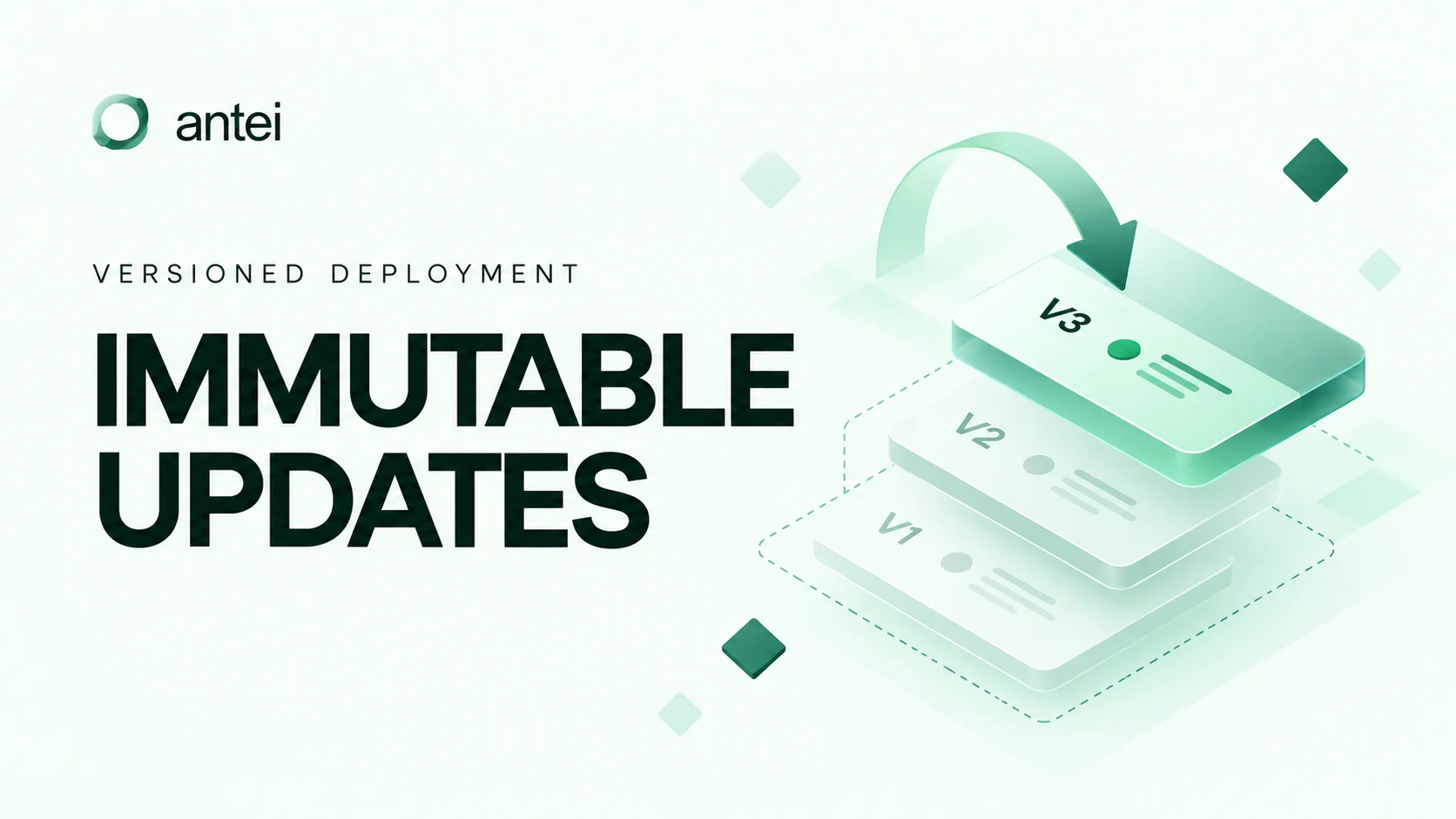
Updating a trading bot is not the same as editing an ordinary document. If code changes in place, it becomes difficult to answer which logic produced an order or warning. Antei avoids that ambiguity by treating every upload as a separate immutable version.
Key takeaway
Create a new version for every strategy change, compare it with the currently deployed version, paper-test it, and switch deployments only through a deliberate operational step. Never assume that saving new code updates a running bot automatically.
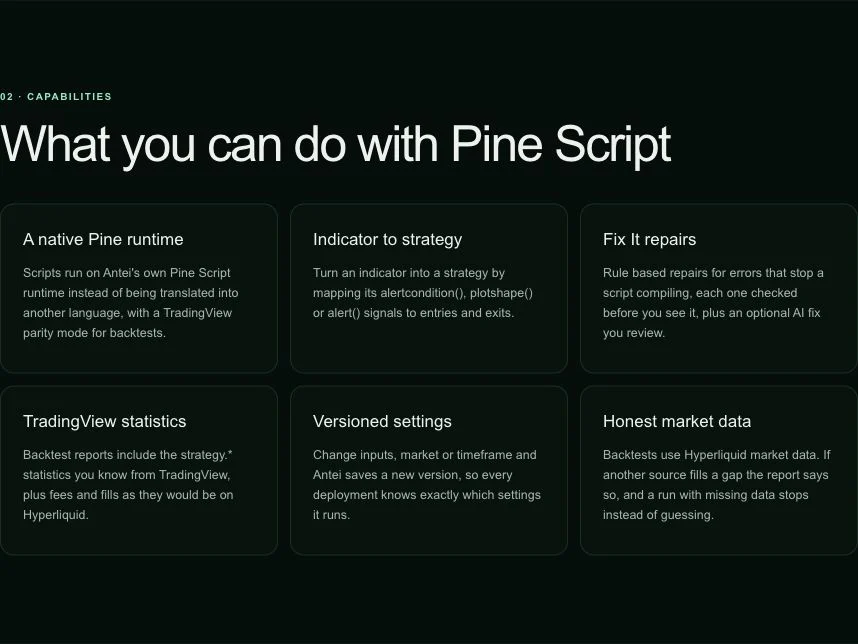
Pine strategies are reviewed and versioned before deployment.
What immutable means
Once a strategy version is created, its code and identity stay fixed. A new upload creates a new version rather than rewriting the previous one. That gives each deployment a stable reference.
This helps answer four critical questions:
What code is running now?
What changed in the proposed update?
Which version produced a historical action?
Can the previous version still be inspected?
Step 1: Identify the running version
Open Deployments, expand the running deployment, and follow its deployment identifier to the detail view. Record the strategy and version attached to that deployment. Then open Pine Script → Strategy → Versions. The Versions panel lists each version and the deployments that use it.
Do not assume the newest version is running. Antei explicitly keeps a deployment on the version it started with.
Step 2: Make one focused change
Open Pine Script → Strategy and select the saved strategy. Change the source or a value under Settings, then choose Save as a new version. For a code upload, import the revised script as the next version instead of overwriting the existing one.
Give the change one clear purpose, such as changing an exit condition or fixing a validation warning. Avoid mixing unrelated logic, sizing, and configuration changes in one update.
For Python strategies, organize the change so the behavior is easy to review. For Pine Script, compare the signal and order conditions directly.
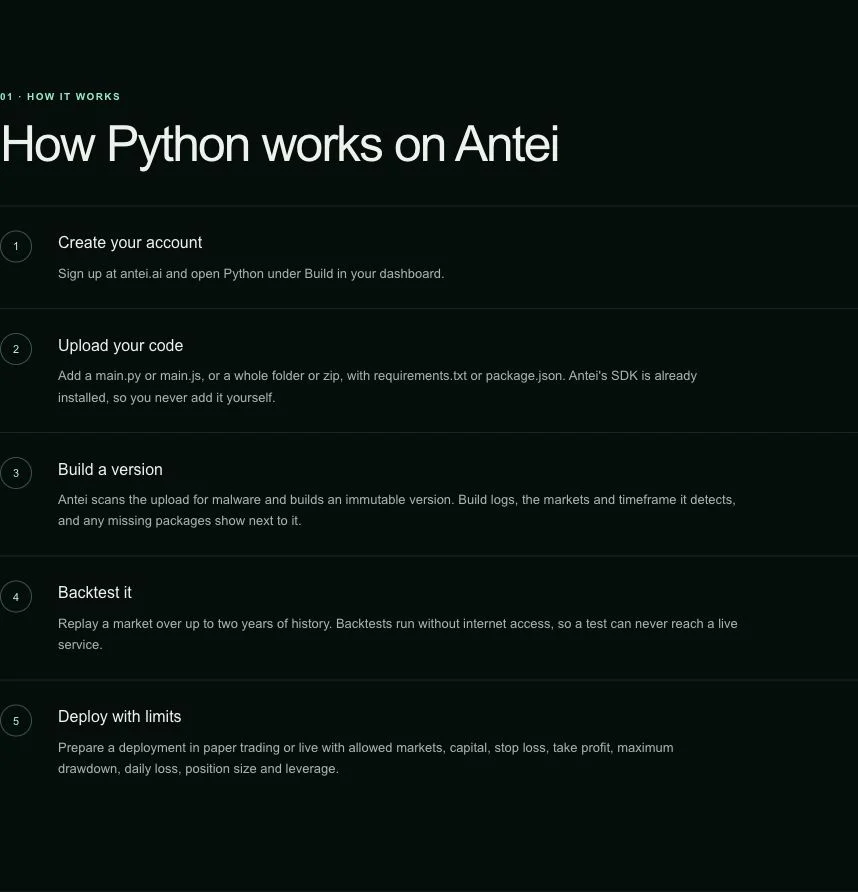
A Python upload is scanned and built as an immutable version before it can be deployed.
Step 3: Compare behavior, not only code
A clean diff is useful, but the operational question is how the strategy behaves differently. Write a short change note covering:
signals added or removed;
entry or exit timing changes;
new state or warm-up requirements;
sizing implications;
new failure or warning paths.
Step 4: Paper-test the new version
Return to Versions, select the new version, and confirm it is marked current. Choose Deploy strategy, turn on Paper trading, and create a separate paper deployment. Leave the existing deployment unchanged while you confirm startup, signals, exits, logs, pause, and resume behavior.
Step 5: Plan the switch
Do not let two live versions place overlapping orders on the same account and market unless that arrangement is intentional and fully understood. In Deployments, expand the old deployment and use Pause or Kill as appropriate. Verify the account state, then create the replacement deployment from the new version.
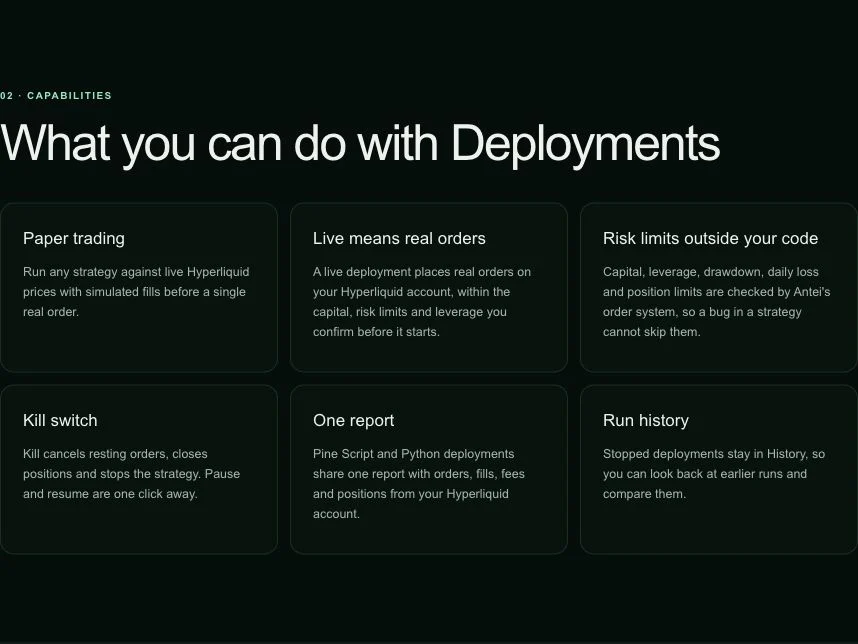
Version changes and operational controls are separate actions in Antei.
Step 6: Keep a rollback plan
Immutable history makes the previous version inspectable, but rollback is still an operational action. Confirm whether the old deployment can safely restart with the current account state. A strategy that assumes it owns a position may need reconciliation before resuming.
Frequently asked questions
Does uploading a new version change the running deployment?
No. Treat upload and deployment switching as separate steps. Always verify which version the deployment names.
Can I delete the old version?
Keeping historical versions supports audit and troubleshooting. If deletion is available, avoid removing a version that explains past or current deployment behavior.
Should every configuration change create a code version?
For Pine Script, changes saved under Settings—including inputs, market, timeframe, and sizing—create a new version. Deployment-only values such as capital, leverage, and drawdown limits belong to the deployment record. Verify both before switching.
Final answer
Use immutable versions to make updates observable and reversible. Create a focused new version, explain the behavioral change, paper-test it, and switch the live deployment only after reviewing account state and controls.
Risk notice: Updating strategy code can change trading behavior. Test every new version before live use.