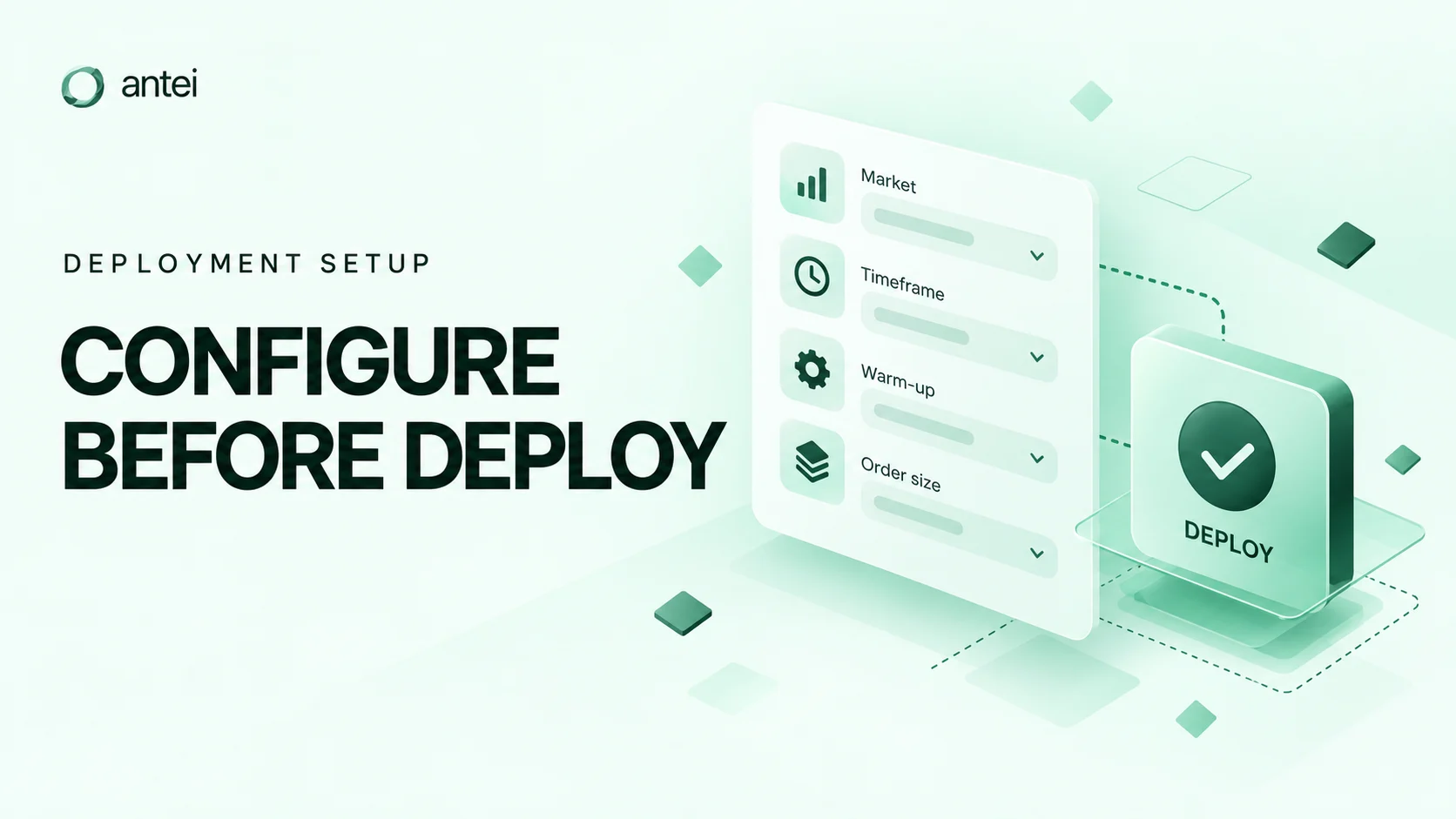
How to Configure Market, Timeframe, Warm-Up, and Order Size Before Deployment
Configure the Hyperliquid market, timeframe, warm-up, order size, and risk limits correctly in Antei before starting a deployment.
On this page
Strategy code defines the decision rules, but deployment settings define the context in which those rules run. A mismatch in market, timeframe, warm-up, or sizing can completely change the outcome without changing one line of code.
Key takeaway
Treat deployment configuration as part of the strategy specification. Write down the intended market, timeframe, warm-up, sizing rule, and platform limits; then verify each value in Antei before starting a paper deployment.
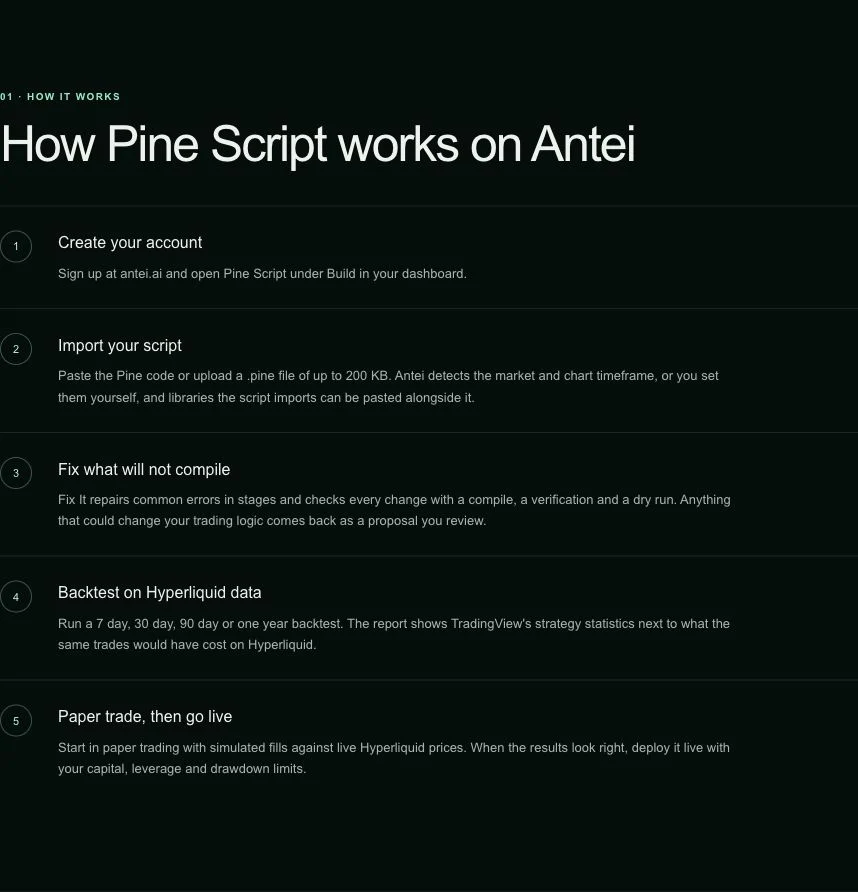
Validation and versioning come before deployment configuration.
1. Choose the exact Hyperliquid market
Open Pine Script → Import. The Market field is part of strategy import, not the final deployment screen. Enter the Hyperliquid perpetual market the strategy was designed and tested to trade, then verify the normalized market under Strategy → Overview.
Similar symbols do not imply similar behavior. Volatility, tick size, liquidity, and minimum order requirements differ across markets.
Check that the strategy does not hard-code a different symbol from the deployment. If the code is market-agnostic, verify that every indicator and sizing assumption still makes sense for the selected market.
2. Match the timeframe to the strategy logic
Set Chart timeframe on the Pine import screen. Use Auto-detect only when the script comments or title identify the timeframe unambiguously. After import, open Strategy → Overview and confirm the inferred or selected value.
The timeframe determines how often the strategy receives a new completed bar and evaluates bar-based rules. A 5-minute strategy running logic designed for 1-hour bars is not simply “faster”; it is a different strategy.
Confirm:
the timeframe used during development;
whether signals act on closed bars;
how often orders may be generated;
whether exits need faster monitoring than entries.
3. Provide enough warm-up history
Warm-up is not a free-form field on the New deployment screen. Define the indicator lookbacks and script inputs correctly in the strategy. When a deployment starts, Antei loads the required history and blocks entries while the runtime says Warming up.
Expand the deployment and wait until the status says Running and Ready. The runtime panel reports the loaded warm-up bars. Do not treat the bot as ready merely because the deployment card exists.
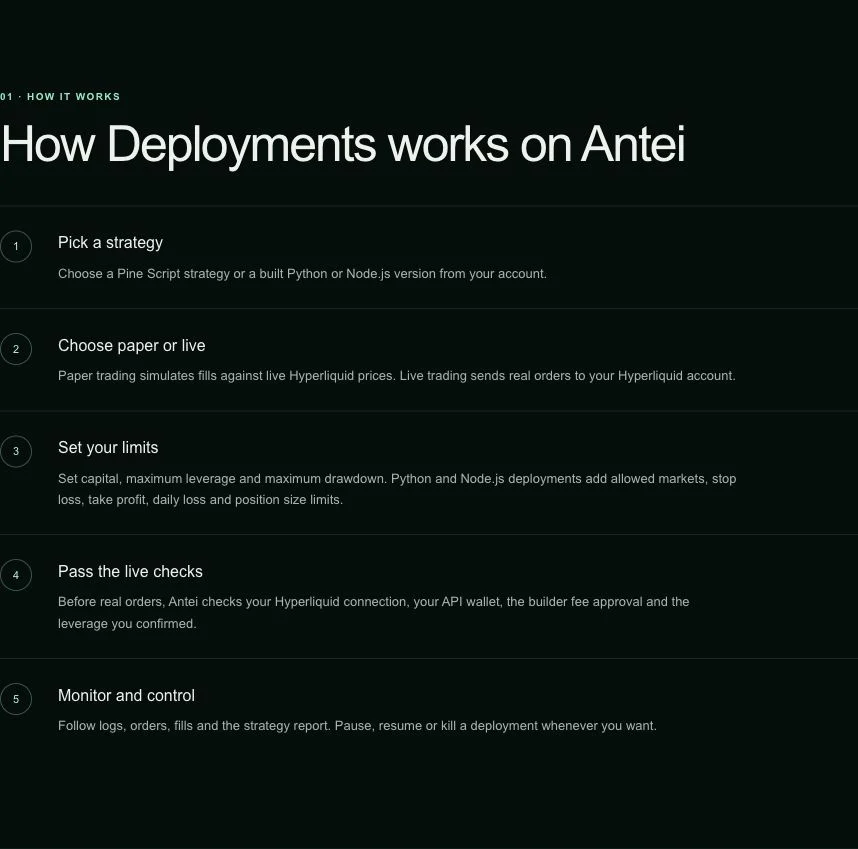
Antei binds the selected version to explicit market and runtime settings.
4. Define the order-size rule
Open Pine Script → Strategy → Settings, expand Strategy properties · sizing, costs and fills, and set Order size type plus Order size. Saving a change creates a new version. At deployment time, Capital USD limits how much of the account that deployment may use; it does not replace the strategy’s order-size rule.
Order size should be explicit, understandable, and compatible with the market minimum. Avoid using the maximum available balance merely because it is available.
Review:
fixed quantity or value-based sizing;
market minimums and rounding;
leverage assumptions;
total exposure if several deployments share an account;
what happens after a partial fill or position change.
Start with conservative sizing in paper mode and inspect the logs for orders that are rounded, reduced, or refused.
5. Set platform risk limits
Risk controls outside the strategy provide an independent boundary. Configure the available limits for exposure, drawdown, or other deployment constraints before starting.
Platform limits remain separate from the strategy’s own entry and exit rules.
6. Perform a final preflight
Before pressing start, read the setup back as one sentence:
Run strategy version X in paper mode on market Y, using timeframe Z, with N bars of warm-up, this order-size rule, and these platform limits.
If that sentence does not match the strategy brief, correct the deployment. After startup, verify the same values in the runtime view and inspect the first log entries.
Frequently asked questions
How much warm-up is enough?
Antei derives the warm-up requirement from the strategy’s indicator lookbacks and requests that history automatically. Make sure those lookbacks are correct, then verify the loaded-bar count and Ready status in paper mode before relying on signals.
Can I change the timeframe without changing the code?
You can change the configuration, but it changes the strategy’s behavior. Treat it as a new test case.
Why was my order skipped?
Common causes include minimum order value, rounding, insufficient available balance, a risk limit, or a stale/invalid signal. Read the runtime log rather than guessing.
Final answer
Deployment settings are not administrative details. They are part of the strategy. Verify market, timeframe, warm-up, sizing, and risk limits together, then prove the complete configuration in paper mode before live use.
Risk notice: Trading involves risk. Conservative settings and paper testing reduce uncertainty but cannot eliminate loss.