How to Convert a Pine Script Indicator into a Hyperliquid Trading Strategy with Antei AI
Learn how to convert a Pine Script indicator into a Hyperliquid trading strategy with Antei AI, map signals to orders, and backtest safely.

On this page
Quick Answer
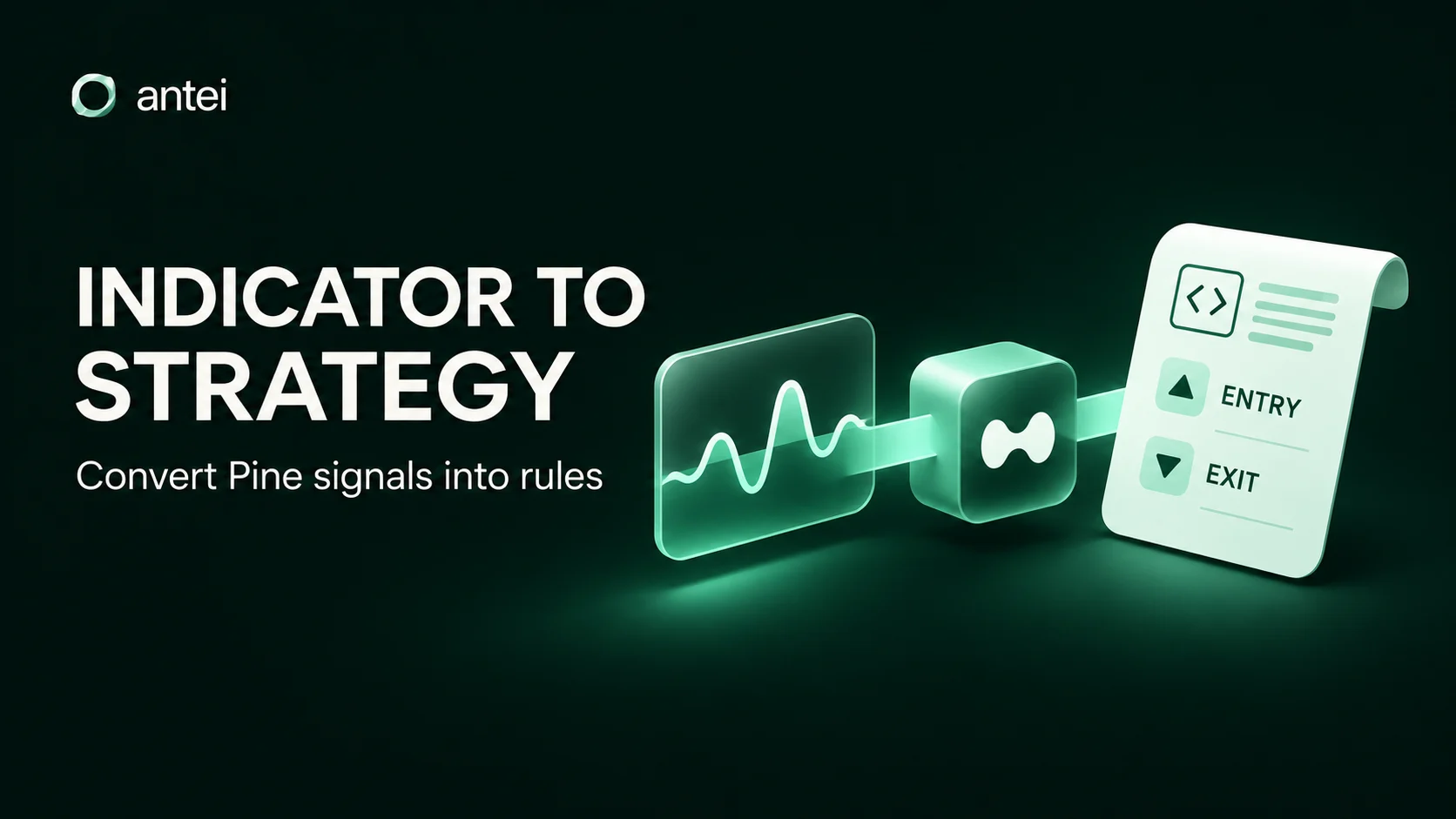
To convert a Pine Script indicator into a strategy, you must replace the indicator() declaration with strategy() and map your visual signals to strategy.entry() and strategy.close() or strategy.exit() functions. While indicators only plot data, strategies execute simulated trades based on logic. Antei supports Pine Script versions 3 to 6. You cannot simply copy an indicator; you must define entry conditions, exit logic, and order sizing. Once converted, you can upload the code to Antei to run backtests on historical Hyperliquid data and simulate fills before deploying to live markets. You can get started at https://antei.ai/signup?utm_source=Blogs&utm_medium=Website&utm_campaign=socialmediateam.
Key Takeaways
Indicators only calculate and plot values, whereas strategies manage positions, entries, and exits.
Use the strategy() function instead of indicator() to enable backtesting and execution capabilities.
Map alertcondition() or plotshape() signals to strategy.entry() calls to define trade triggers.
Always define explicit exit logic, such as stop-loss or take-profit, to avoid open-ended positions.
Antei allows you to test these strategies on historical Hyperliquid data to observe how they behave under simulated conditions.
Ensure your logic is free of repainting, as this creates unrealistic expectations in backtests.
Understanding the Core Difference
In Pine Script, an indicator() is designed for visual analysis. It calculates values and draws shapes on your chart. A strategy(), however, is designed for execution. It tracks the state of a position, including entry price, current profit or loss, and margin requirements. When you move from an indicator to a strategy, you are moving from observation to action. An indicator is a passive observer, while a strategy is an active participant in the market.
Indicator vs Strategy Declaration
An indicator starts with indicator("My Script"). A strategy starts with strategy("My Strategy", overlay=true). The strategy declaration includes parameters like initial_capital, default_qty_type, and commission_type, which are essential for realistic backtesting. When you convert, you must ensure your logic accounts for the fact that a strategy is always either in a position or waiting for a signal. You must also define how the strategy handles order sizing, as this is not required for a simple indicator.
Mapping Signals to Orders
Most indicators use plotshape() or alertcondition() to notify you of a potential trade. In a strategy, these must be converted into conditional logic that triggers orders. You cannot rely on visual plots to execute trades. Instead, you must use the same boolean variables that drive your plots to drive your strategy.entry() calls.
Illustrative Example
Imagine an indicator that plots a green shape when a moving average crossover occurs.
// Indicator logic
longCondition = ta.crossover(ta.sma(close, 10), ta.sma(close, 20))
plotshape(longCondition, style=shape.triangleup, location=location.belowbar, color=color.green)

// Strategy conversion
if (longCondition)
    strategy.entry("Long", strategy.long)

// Add exit logic
if (ta.crossunder(ta.sma(close, 10), ta.sma(close, 20)))
    strategy.close("Long")
In this example, the plotshape is replaced by strategy.entry. Note that you must also provide a corresponding exit condition. Without an exit, the strategy will hold the position indefinitely, which is rarely the desired behavior in a live market. You should also consider using strategy.exit() if you need to implement specific stop-loss or take-profit levels based on price or percentage.
Step-by-Step Conversion Workflow
Review the Indicator Logic: Identify the exact conditions that trigger your visual signals. Ensure these conditions are robust and not based on repainting functions.
Change the Declaration: Replace indicator() with strategy() at the top of your script.
Define Entry and Exit: Replace visual plotting functions with strategy.entry() for opening and strategy.close() or strategy.exit() for closing positions.
Set Order Sizing: Define how much of your account balance to use per trade. Use strategy.fixed or percentage-based sizing to manage risk.
Handle Repeated Signals: Decide if you want to allow multiple entries in the same direction or if you want to limit the strategy to one position at a time.
Upload to Antei: Once your code is ready, use the Antei interface to upload your script. You can sign up at https://antei.ai/signup?utm_source=Blogs&utm_medium=Website&utm_campaign=socialmediateam to begin the process.
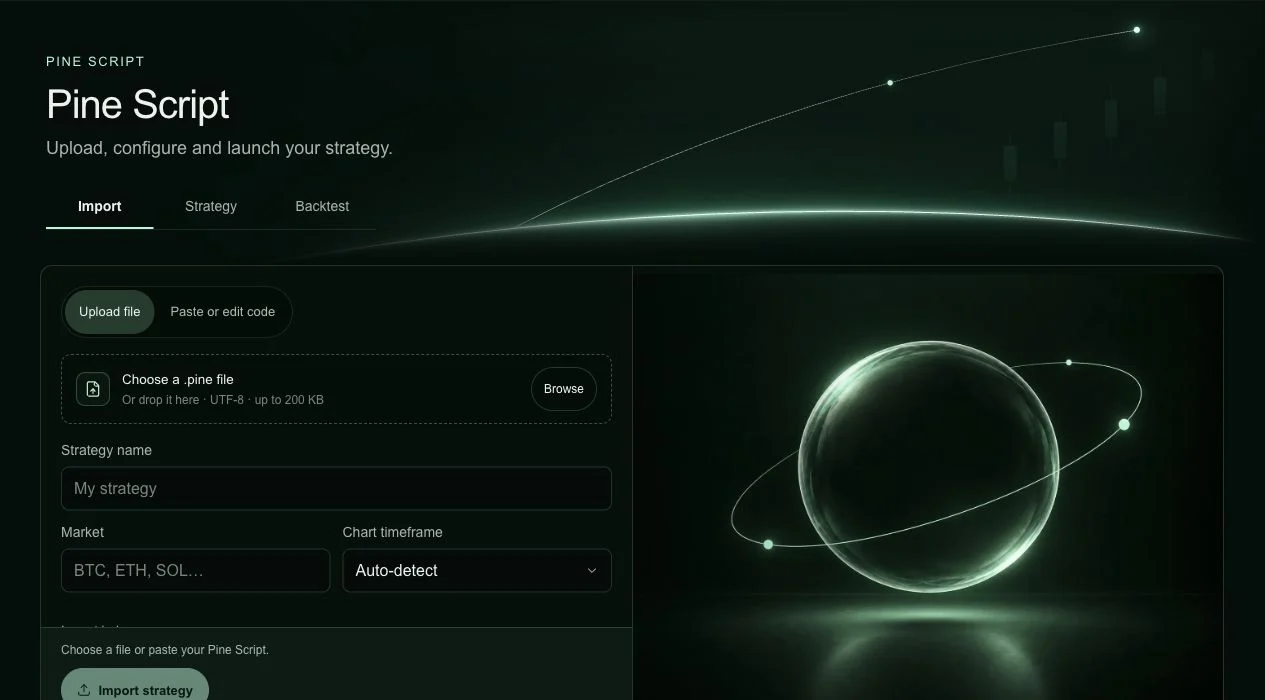
Backtest and Refine: Run the strategy against historical Hyperliquid market data. Look for execution gaps or unrealistic assumptions in your logic.
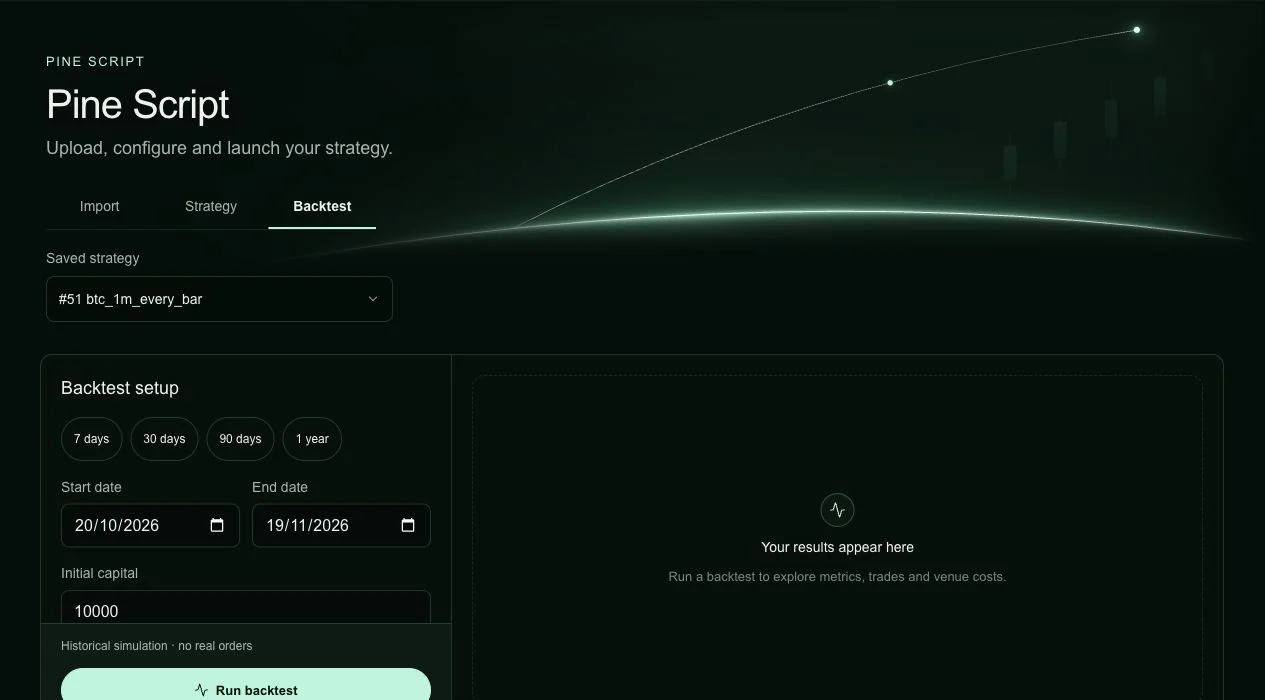
Failure Modes and Common Mistakes
Missing Exits: The most common error is creating a strategy that enters trades but never exits them. This leads to massive, unintended exposure.
Repainting: If your indicator uses security() with lookahead or other repainting techniques, your backtest results will be misleading. The strategy will appear to perform differently than it would in real-time because it is using data that was not available at the time of the trade.
Timeframe Mismatches: If your strategy assumes a 1-minute timeframe but is run on a 1-hour chart, the entry signals will be delayed or incorrect.
Ignoring Commissions: Real trading involves fees. Ensure your strategy accounts for Hyperliquid trading costs in its backtest settings.
Over-fitting: Adjusting your strategy parameters to fit historical data perfectly often leads to poor performance in live markets.
Frequently Asked Questions
Can I convert any indicator to a strategy?
Technically, yes, but not all indicators are suitable for automation. Indicators that rely on repainting or lookahead features will produce unreliable results when converted into a strategy.
How does Antei handle my Pine Script strategy?
Antei provides a managed environment where your Pine Script strategy is executed against real-time and historical Hyperliquid market data. It handles the order routing and risk management outside of your script.
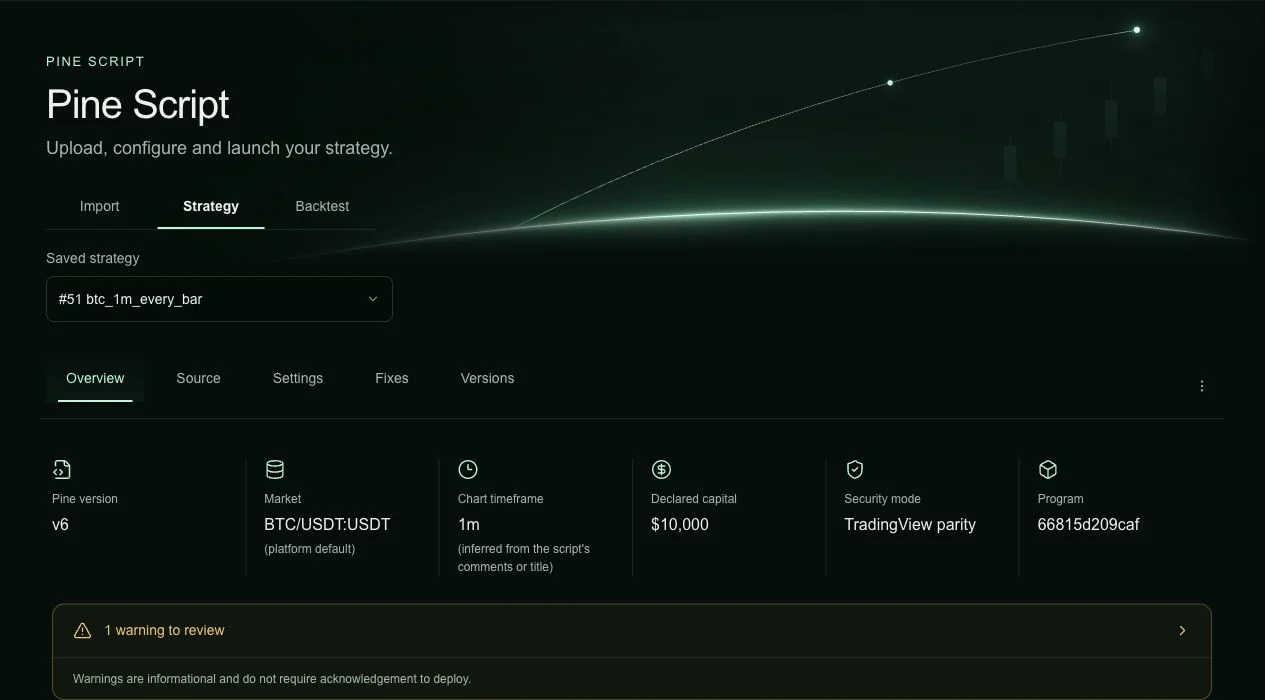
Do I need to rewrite my entire script?
Usually, you only need to replace the declaration and the plotting functions with strategy execution functions. The core mathematical logic of your indicator can often remain unchanged.
What happens if my strategy has no exit logic?
If your strategy lacks exit logic, it will remain in a position until the market hits a limit or you manually intervene. This is a significant risk, so always include stop-loss or take-profit conditions.
Can I use multiple strategies in one script?
Yes, you can define multiple entry and exit conditions within a single strategy script, but keep the logic simple to ensure it remains maintainable and predictable.
Risk Note
This article is for educational purposes only and does not constitute investment advice. Trading perpetual futures on Hyperliquid involves significant risk, including the potential to lose more than your initial margin due to liquidation. Backtests, historical data, and examples provided here are for illustrative purposes and do not guarantee future performance. Always test your strategies thoroughly in a paper-trading environment before deploying capital.