How to Add Python Market, Limit, and Post-Only Orders in Antei AI
Learn how to submit market, limit, and post-only Hyperliquid orders with the Antei AI Python SDK, then verify constraints, fills, and refusals.


On this page
Quick Answer
In an Antei AI hosted Python strategy, submit market, limit, and post-only orders through hlse.client.order(). A market order uses the default type="market". A limit order uses type="limit" with a positive limit_price. For maker-only execution, add post_only=True to a limit order. Antei applies the deployment’s risk controls and Hyperliquid market constraints outside your strategy process, so your code cannot widen the approved risk envelope.
Key Takeaways
Market orders prioritize immediate execution, but they can be refused when price or liquidity checks fail.
Limit orders set a maximum buy price or minimum sell price and may remain open or fill partially.
Post-only orders are limit orders that are refused if they would immediately take liquidity.
Use a stable
client_order_idso retries cannot create duplicate orders.Read
hlse.client.market(symbol)before ordering to obtain the venue lot size, leverage cap, and minimum notional when known.
How Antei AI Handles Python Orders
The same hosted Python file can run in backtest, paper, and live modes. The execution mode is selected by Antei on the server; your strategy sends the same order intent in every mode. Each response includes execution_truth, allowing logs and reports to distinguish simulated, dry-run, and venue execution.
Risk admission happens outside the strategy. Position-notional limits, leverage limits, default stops, loss halts, venue lot rounding, stale-data checks, and other configured protections are applied before an order reaches execution. No parameter in order() can make those limits wider.
Step 1: Upload and Validate the Python Strategy
Open Python in Antei, choose Python as the language, add your project name, and upload a single file, folder, or ZIP. The SDK is already available inside the hosted runtime, so a normal hosted strategy imports it with import hlse_sdk as hlse. Build the upload before starting a backtest or deployment so syntax and package errors are caught first.
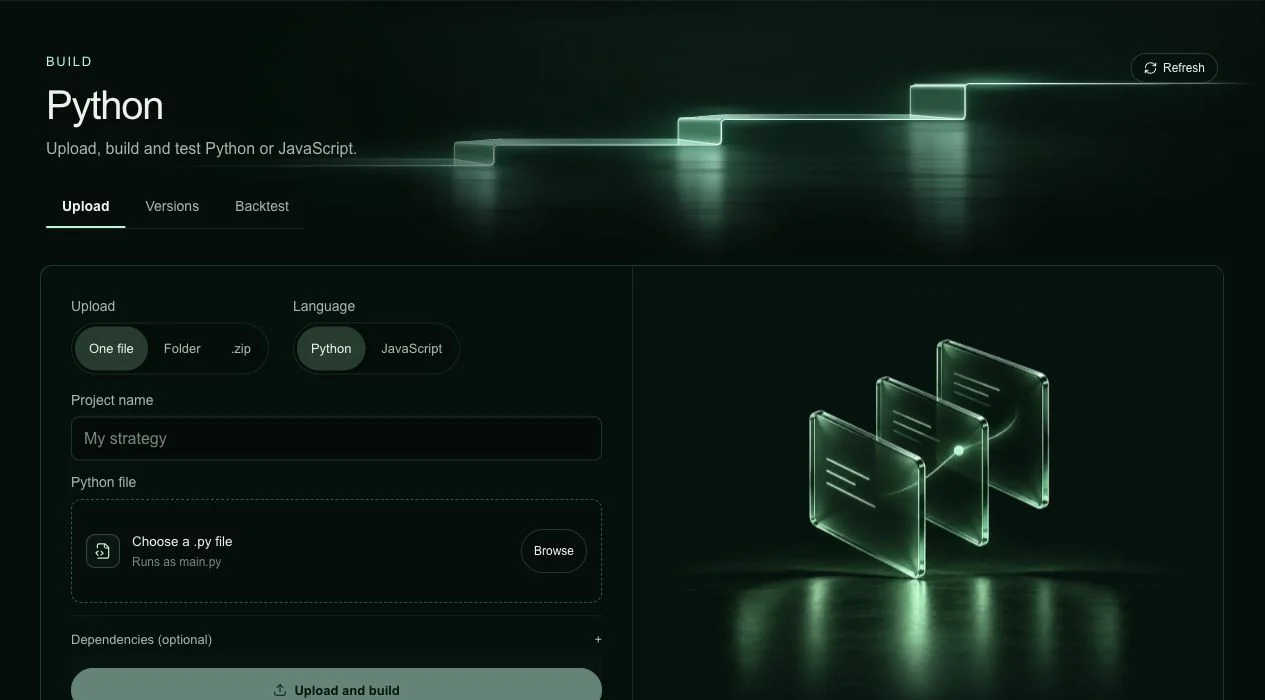
Antei Python Upload page showing the Python language selection and upload controls.
Step 2: Place a Market Order
A market order is the default order type. Supply the symbol, side, positive base-unit size, and preferably a deterministic client order ID. Market orders are normally filled or refused by the time the call returns, but execution is not guaranteed: stale data, insufficient liquidity, spread or impact controls, and risk limits can refuse an entry.
import hlse_sdk as hlse

order = hlse.client.order(
    symbol="BTC",
    side="buy",
    size=0.01,
    client_order_id="btc-entry-1042",
)

print(order.status, order.filled_size, order.avg_fill_price)
For a reduce-only exit, set reduce_only=True, or use hlse.client.close(symbol) to flatten a symbol. A market order cannot rest on the book, so there is usually nothing to cancel after it has filled or been refused.
Step 3: Place a Limit Order
A limit order requires type="limit" and a finite positive limit_price. A non-post-only limit can add liquidity or take liquidity when marketable. If it rests, it may fill fully, fill partially, or remain open.
order = hlse.client.order(
    symbol="BTC",
    side="buy",
    size=0.01,
    type="limit",
    limit_price=65000.0,
    client_order_id="btc-limit-1043",
)
Check order.status, order.filled_size, and order.avg_fill_price. Use hlse.client.orders() and hlse.client.fills() when reconciling a resting or partially filled order. Canceling a limit order removes only its unfilled remainder; it does not reverse quantity already filled.
Step 4: Make the Limit Order Post-Only
Post-only is a maker-only instruction for a limit order. Set post_only=True together with type="limit" and limit_price. If the price would cross the spread and immediately take liquidity, the order is refused instead of being changed into a market order.
order = hlse.client.order(
    symbol="BTC",
    side="buy",
    size=0.01,
    type="limit",
    limit_price=64900.0,
    post_only=True,
    client_order_id="btc-maker-1044",
)
Do not assume post-only guarantees a rebate. It guarantees maker-only behavior; the fee or rebate that applies depends on the current Hyperliquid fee schedule and the account’s tier.
Check Hyperliquid Market Constraints First
Use hlse.client.market("BTC") to read the normalized market record. It reports lot_size, sz_decimals, max_leverage, min_notional_usd, known, and execution_truth. A value the platform does not know is None, not zero.
market = hlse.client.market("BTC")
if not market.known:
    raise RuntimeError("Market constraints are not available yet")

print(market.lot_size, market.max_leverage, market.min_notional_usd)
Antei rounds admitted order sizes to the venue lot. The returned order records both requested_size and the applied size; any adjustment appears in order.clamps. Reading the market first makes those changes predictable.
Monitor Orders, Fills, and Refusals
After starting a paper deployment, open Trade Logs and the deployment’s Runtime logs. Trade Logs show activity associated with strategies, AI tools, and manual Hyperliquid actions. Runtime logs explain why an order was skipped, sent smaller, or refused. Inspect the returned order and typed exceptions in code as well:
try:
    order = hlse.client.order(
        symbol=bar.symbol,
        side="buy",
        size=0.01,
        client_order_id=f"{bar.symbol}-{bar.seq}",
    )
except hlse.DataStale as exc:
    print("Entry refused until market data recovers", exc)
except hlse.OrderRefused as exc:
    print("Refused", exc.code, exc.subcode, exc.measured)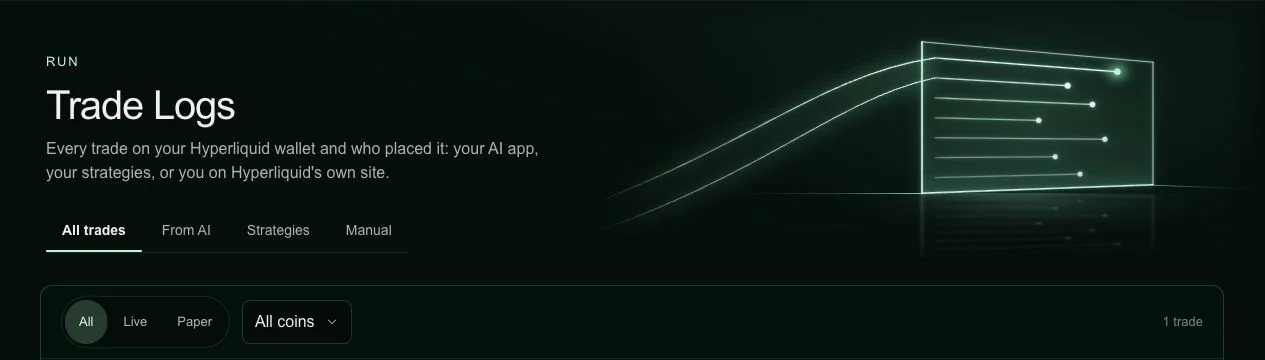
Antei Trade Logs controls for filtering live, paper, strategy, and manual trading activity.
Common Order Problems
Post-only refusal: the limit price would immediately take liquidity. Recalculate the price from a fresh market view rather than silently changing the order type.
Size adjustment or refusal: inspect
requested_size,size,clamps, andclient.market(symbol).Risk refusal: the request exceeded the deployment’s approved leverage, position, loss, or other admission limits.
Duplicate-order risk: use a deterministic
client_order_id. A retry without one represents a new order intent.Partial limit fill: reconcile the remaining quantity before canceling or sending another order.
Frequently Asked Questions
Does Antei support market, limit, and post-only orders in backtest, paper, and live modes?
Yes. The hosted Python SDK uses the same order interface in every mode. The server selects the execution truth and applies the same admission controls.
Can post-only be used with a market order?
No. post_only=True requires type="limit" and a positive limit_price.
Can I cancel a partially filled limit order?
Yes. Canceling applies to the unfilled remainder. Quantity already filled remains part of the position.
Can Python code override Antei risk limits?
No. Risk controls are enforced outside the hosted strategy process. The code can request an order, but it cannot widen the deployment’s approved envelope.
Build and Paper-Test Your Python Order Logic
Upload the Python strategy, run a backtest, and verify market, limit, and post-only behavior in paper mode before considering live execution. Create an Antei AI account and start with paper trading.
Risk Note
This article is educational and is not investment advice. Perpetual futures and leverage involve substantial risk. Market orders can experience slippage, limit orders may not fill, and post-only orders may be refused. Backtests and paper trading are simulations and do not guarantee live results.