How to Move a Paper-Tested Hyperliquid Strategy to Live with Antei AI
Move a paper-tested Hyperliquid strategy to live in Antei by preserving its version, verifying settings and wallet, and starting with conservative limits.

On this page
A paper deployment proves that a strategy can run through the Antei workflow without sending real orders. It does not prove that live fills, slippage, fees, or account risk will match the simulation. The move to live should therefore preserve what you tested while reducing avoidable uncertainty.
Key takeaway
Promote the exact version you tested, copy its settings deliberately, connect the correct Hyperliquid API wallet, set conservative limits, and review the stop procedure before starting. Do not combine a code change with the first live launch.
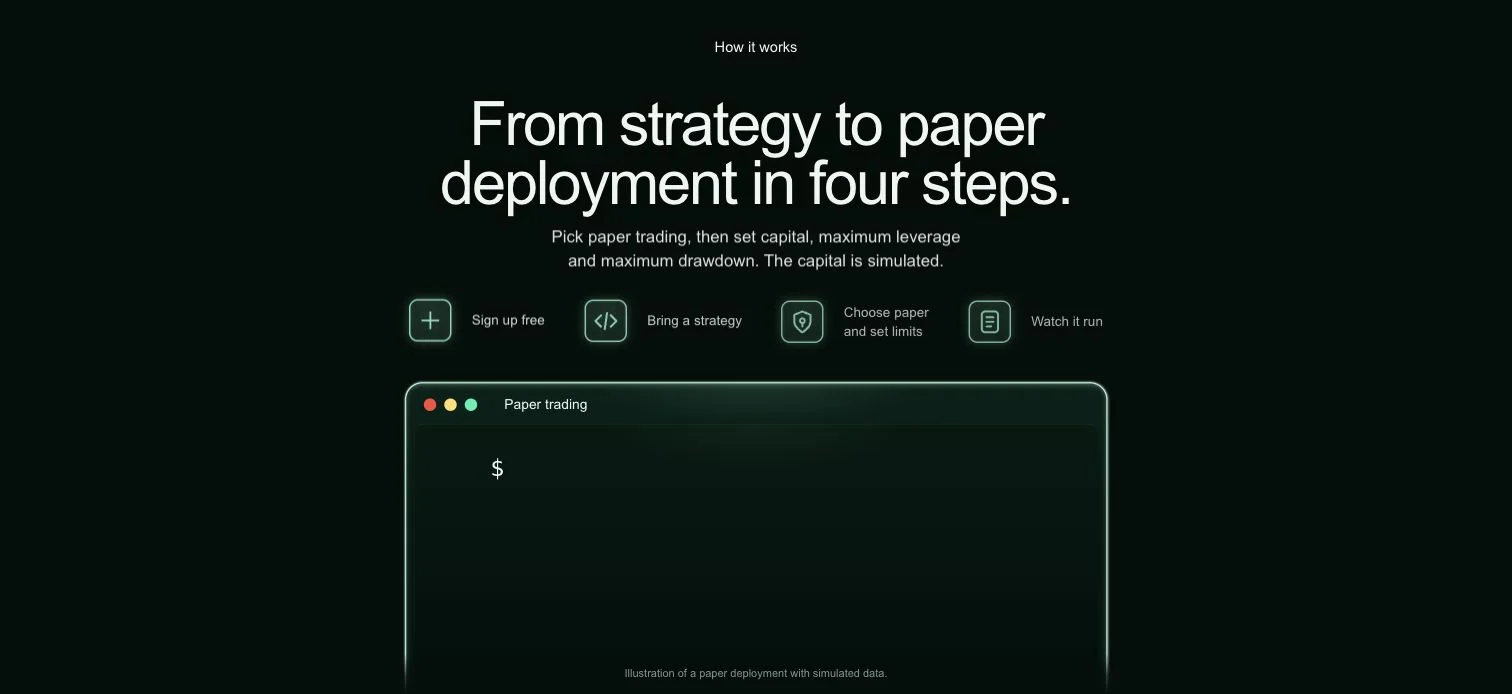
Paper trading provides the safest place to verify signals, settings, and logs.
Step 1: Freeze the paper-tested version
Identify the immutable version that produced the paper behavior you reviewed. Record its version label and the relevant deployment settings. If you change the strategy after paper testing, the new version needs its own paper run.
Avoid “small” untested edits. A different exit condition, warm-up assumption, or state variable can change live behavior even when the code looks similar.
Step 2: Review the paper evidence
Check more than the equity curve. Review runtime logs, entry and exit frequency, quiet periods, restarts, skipped orders, and risk-limit events. Confirm that the strategy behaved sensibly when data was unavailable or an action could not be accepted.
Useful questions include:
Did every signal occur on the expected timeframe?
Did the order-size rule produce the intended exposure?
Were exits and protective behavior visible in logs?
Could you explain every warning?
Did pause and restart behave predictably?
Step 3: Create a separate live deployment
Keep the paper deployment as a reference. In the Antei Console, open Deployments → New deployment and choose the same runtime and strategy version. Make sure the Paper trading switch is off; the Setup panel must say Live trading and warn that real orders will be placed.
Enter the capital allocation, open 2 · Limits to set the deployment limits, and then open 3 · Review. Read the readiness checks and the deployment summary before selecting the live deploy action. If the summary still says Paper trading, do not proceed—you are configuring the wrong mode.
Market, timeframe, and Pine order-size properties belong to the saved strategy version. Confirm them under Pine Script → Strategy → Overview/Settings before you create the live deployment.
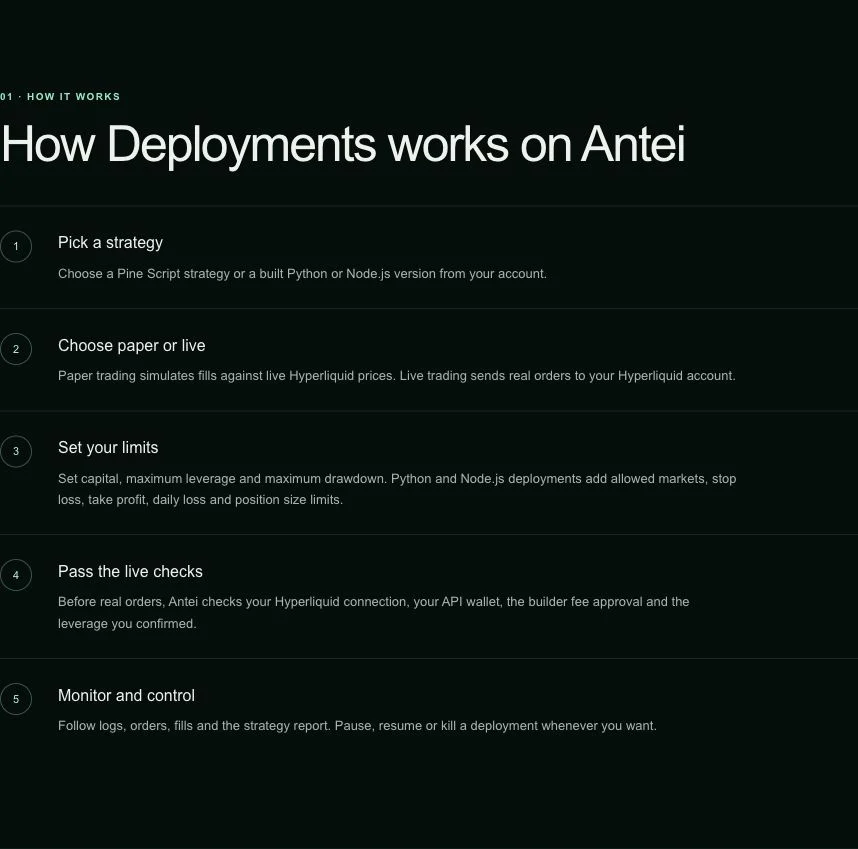
A deployment binds one strategy version to explicit market and runtime settings.
Step 4: Verify the wallet and network
Confirm that the Hyperliquid API wallet belongs to the intended account and that the deployment is using the expected network. Do not reuse a screenshot or remembered address as proof—read the current connection state in Antei.
Never paste the private key into the strategy, a prompt, or a support message.
Step 5: Reduce initial exposure
The first live run introduces real execution conditions. Use conservative order sizing and tighter platform limits than the maximum you might eventually allow. A smaller first deployment gives you room to compare live logs and fills with the paper behavior.
Limits should exist outside the strategy code so that a faulty or unexpected code path cannot simply ignore them.
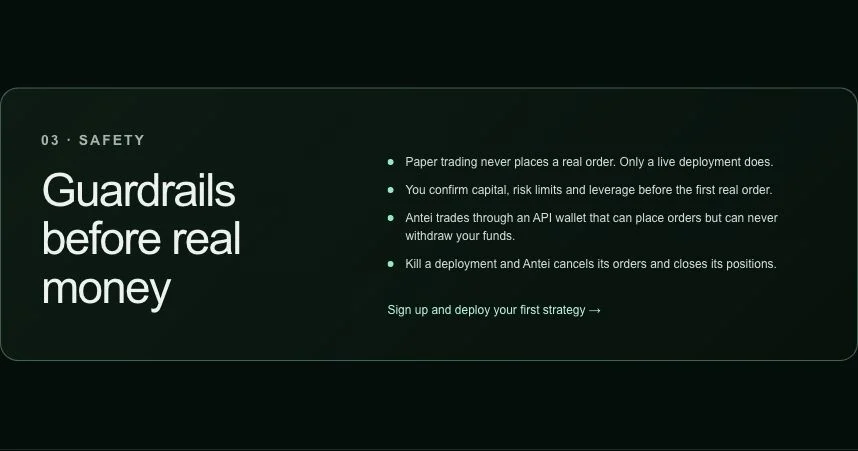
Platform controls add an independent boundary around the strategy.
Step 6: Prepare the stop procedure
Before starting, know where the pause and stop controls are and what each action does. Decide who will monitor the first session and what condition triggers intervention. Confirm that you can access the console and wallet without searching for credentials under pressure.
Step 7: Monitor the first live actions
Watch the runtime logs and actual Hyperliquid account state. Confirm that order sizes, markets, and fills match the intended deployment. If something is unclear, pause the deployment and investigate instead of waiting for another signal.
Frequently asked questions
Should I stop the paper deployment after going live?
You can keep it as a reference if its signals will not cause confusion. Clearly label paper and live deployments so you do not operate the wrong one.
Can I change the code during the promotion?
Create a new immutable version and paper-test it first. Promoting one tested version while editing another keeps the audit trail clear.
Will live results match paper results?
Not necessarily. Real orders encounter actual liquidity, fees, timing, and slippage.
Final answer
Move from paper to live as a controlled promotion of one reviewed version. Recheck every setting, begin with conservative exposure, and verify the stop procedure before the first real order.
Risk notice: Live trading can result in loss. Paper performance is simulated and does not guarantee live performance.